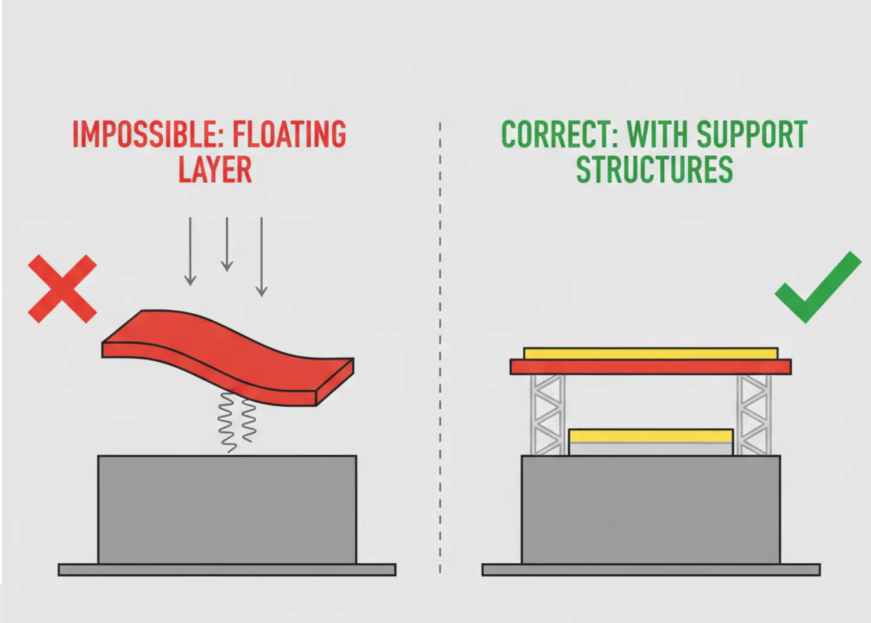
In 3D printing, "islands" refer to isolated sections or features in a sliced layer of a model that have no underlying material (from previous layers, the build plate, or supports) to connect to or build upon. These appear as "floating" areas that the printer would attempt to print in mid-air, often leading to print failures.
Primary Context: Resin (SLA/MSLA/DLP) Printing
1.Islands are a critical issue in resin 3D printing.
2.Slicers like Lychee Slicer, ChiTuBox, or PrusaSlicer have dedicated "island detection" tools that scan sliced layers for these disconnected pixels or areas.
3.Any part of the model starting without connection (e.g., protruding arms on a figure, tips of fur/feathers, or overhanging sections that begin abruptly) is flagged as an island.
4.Unsupported islands can cause:
a.The uncured resin to fail to adhere properly.
b.Partially cured "islands" to float in the vat.
c.Damage to the FEP film (the bottom of the resin vat) when the build plate lifts.
d.Overall print failure.
5.Solution: Add manual or auto-supports to every significant island. Small/tiny islands (e.g., single pixels or smaller than a support tip) are often ignored, as supporting them can cause more harm than good.
Secondary Contexts
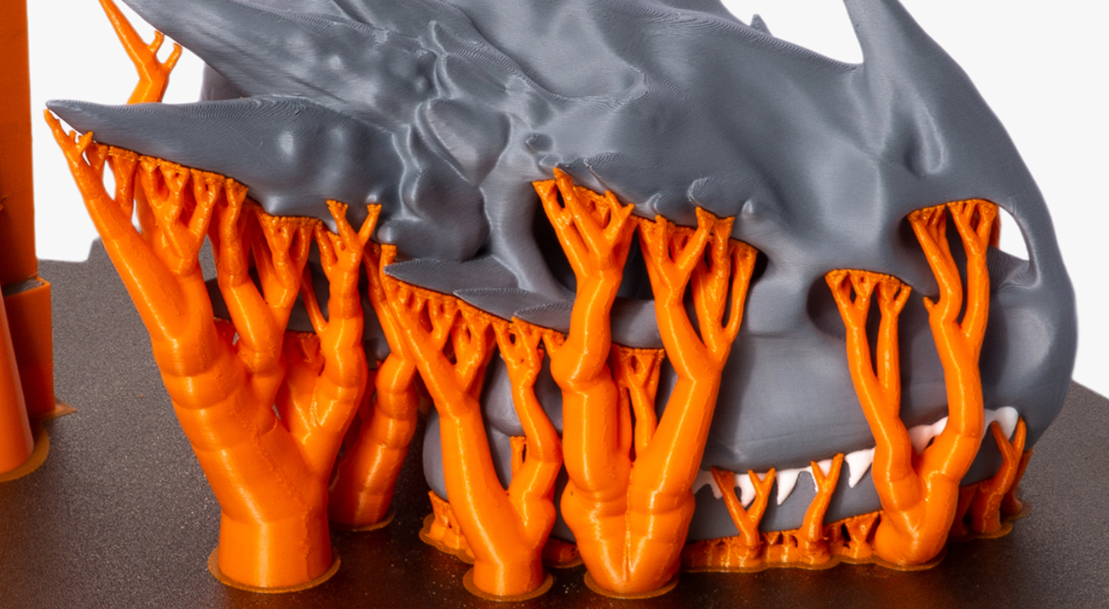
1.In FDM/FFF (filament-based) printing → Islands are less commonly discussed this way, but similar concepts exist as severe overhangs or "floating" starts (e.g., the beginning of a bridge or extreme protrusion). 2.These are handled with supports, better orientation, or bridging settings rather than specific "island" detection.
On the build plate → Some glossaries describe small contact points (e.g., chair legs) as "islands" prone to detachment, mitigated by brims/rafts.
3.Rare uses → In metal powder-bed printing (e.g., "island scanning" for stress reduction) or data management ("data islands").